Locations
Locations represent physical places where wine is stored (e.g. "Home Cellar", "Off-site Storage"). Each storage unit belongs to a location.
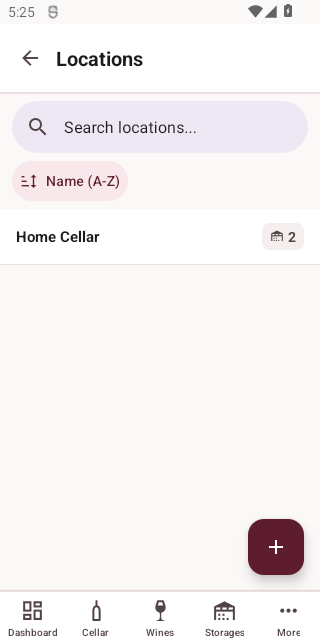
List View
Access Locations from More > Storage > Locations.
Creating a Location
Tap the + button to add a new location.
| Field | Required | Description |
|---|---|---|
| Name | Yes | The location's name |
Viewing and Editing
Tap a location to view details, then tap Edit to modify.
Deleting a Location
Tap Delete on the detail screen. You will be asked to confirm.
WARNING
Deleting a location will also remove all associated storages and update or remove bottles stored in those locations.