Regions
Regions represent wine-growing areas and belong to a country. Each wine is associated with a region.
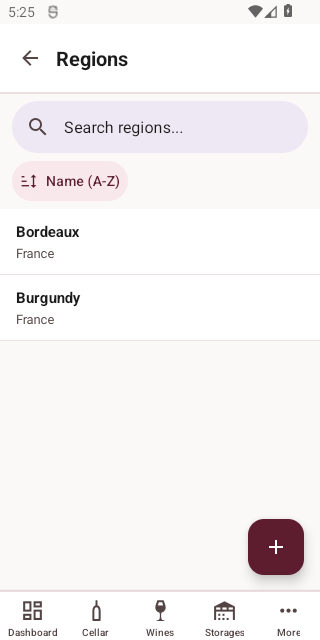
List View
Access Regions from More > Reference Data > Regions.
Creating a Region
Tap the + button to add a new region.
| Field | Required | Description |
|---|---|---|
| Name | Yes | The region's name |
| Country | Yes | The country — select from existing countries |
Viewing and Editing
Tap a region to view details, then tap Edit to modify.
Deleting a Region
Tap Delete on the detail screen. You will be asked to confirm.
WARNING
Deleting a region will also remove all associated wines, vintages, and bottles.