Settings
The settings page allows administrators to configure application-wide preferences.
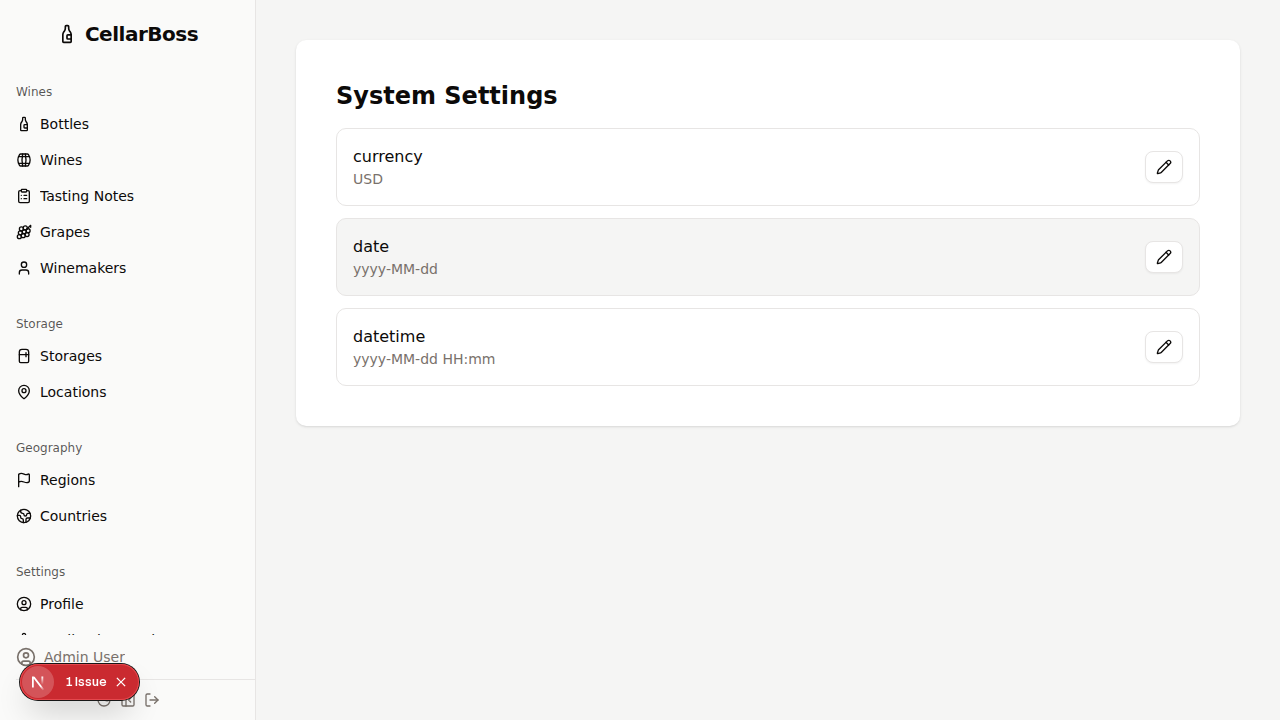
Available Settings
| Setting | Description |
|---|---|
| Language | The language used throughout the application (i18n coming soon) |
| Currency | The currency symbol used for displaying prices (e.g., USD, EUR, GBP) |
| Date Format | The format used for displaying dates throughout the application |
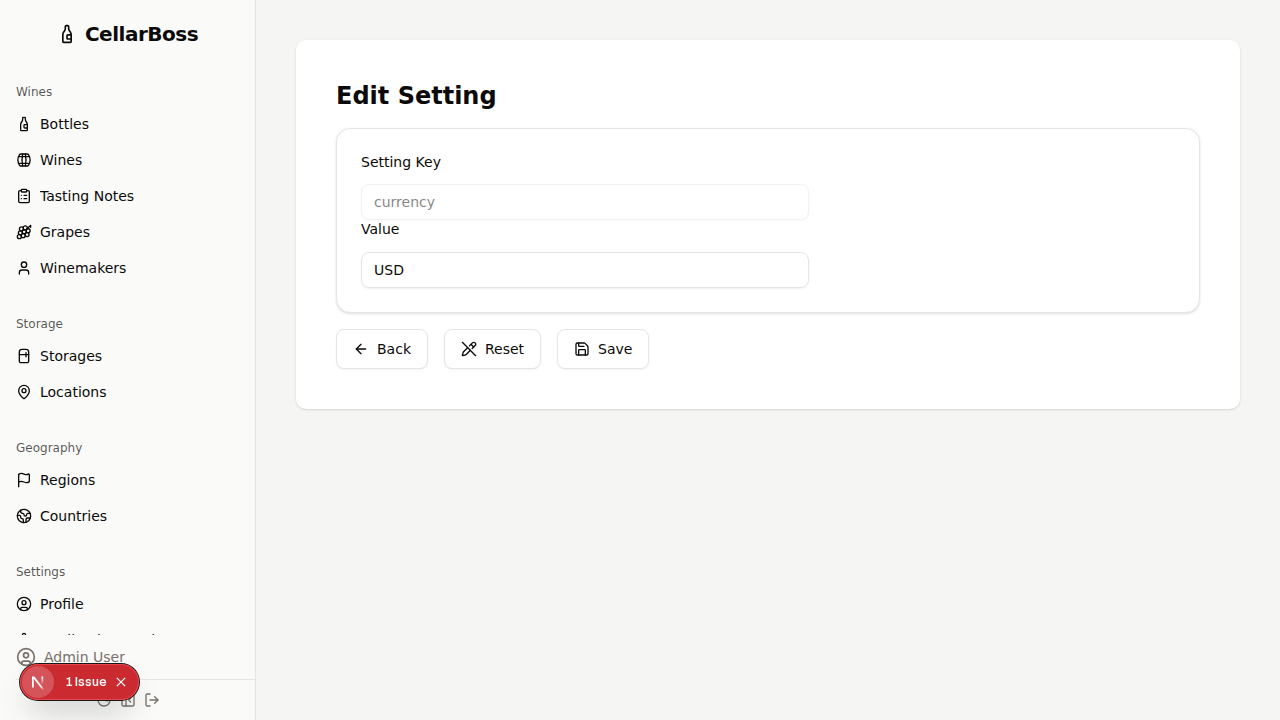
Editing a Setting
Click on a setting row to open the edit page. Modify the value and click Save to apply the change.
INFO
Settings changes take effect immediately for all users.