Tasting Notes
Tasting notes let you record scores and observations for wines you have tasted. Each note is linked to a specific vintage and records the score (0–10), free-text notes, the author, and the date.
List View
The tasting notes page shows all notes sorted by date (newest first), with infinite scroll.
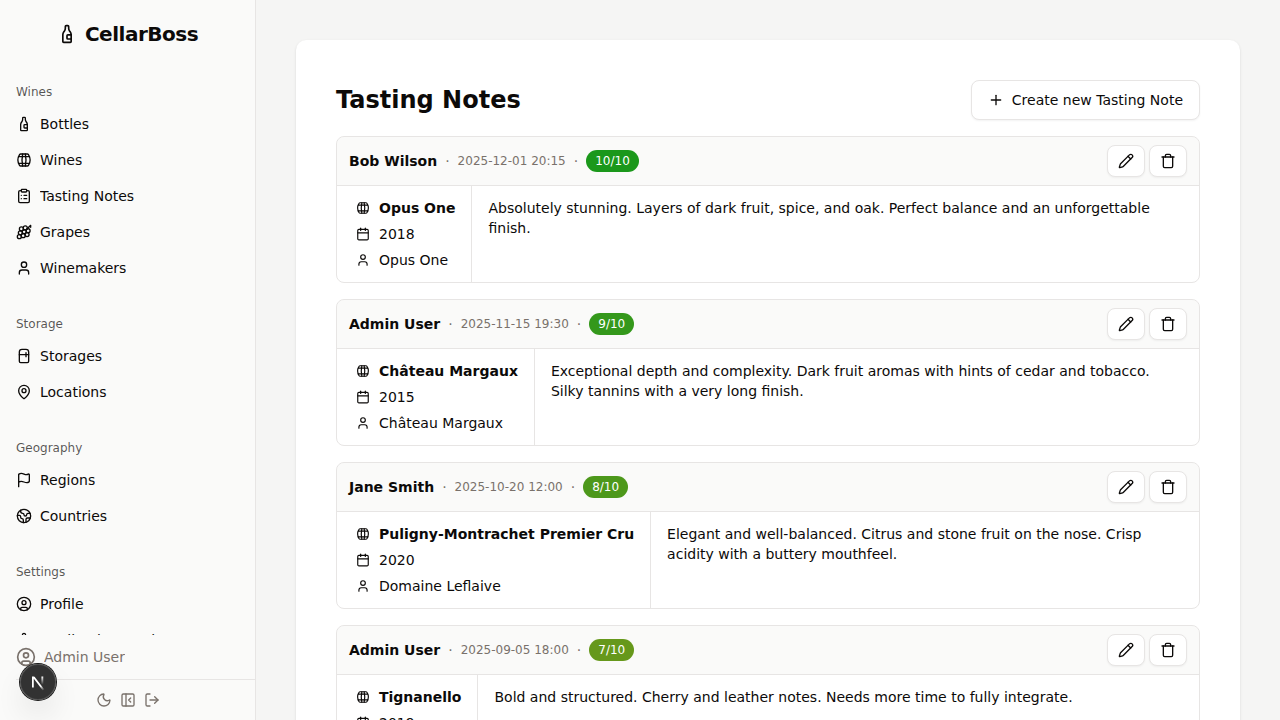
Each card shows:
| Field | Description |
|---|---|
| Wine | The wine, vintage, and winemaker |
| Score | A colour-coded badge from 0 to 10 |
| Notes | Your tasting observations |
| Author | Who recorded the note |
| Date | When the note was created |
Creating a Tasting Note
Click Add Tasting Note from the list page, or from a vintage or wine detail view.
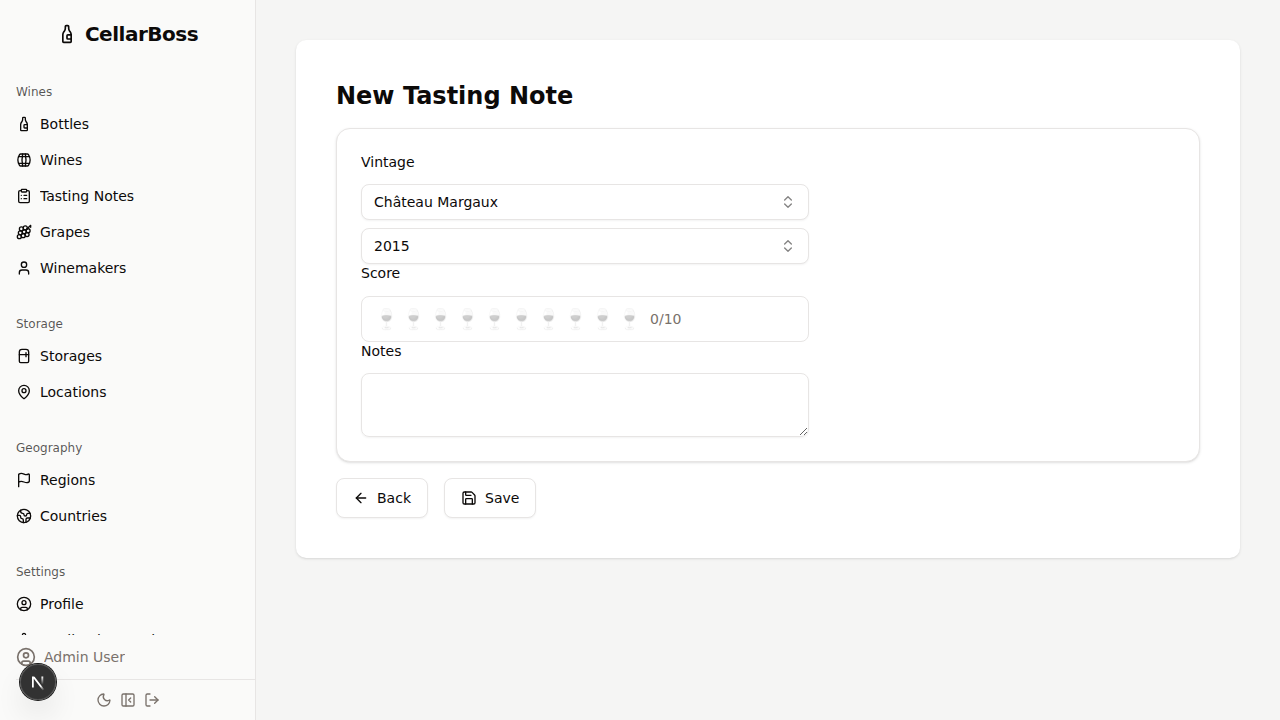
Fields
| Field | Required | Description |
|---|---|---|
| Vintage | Yes | The wine vintage this note is for — select from existing vintages |
| Score | Yes | Rating from 0 to 10 |
| Notes | Yes | Your tasting observations |
The author and date are set automatically from your session.
Editing a Tasting Note
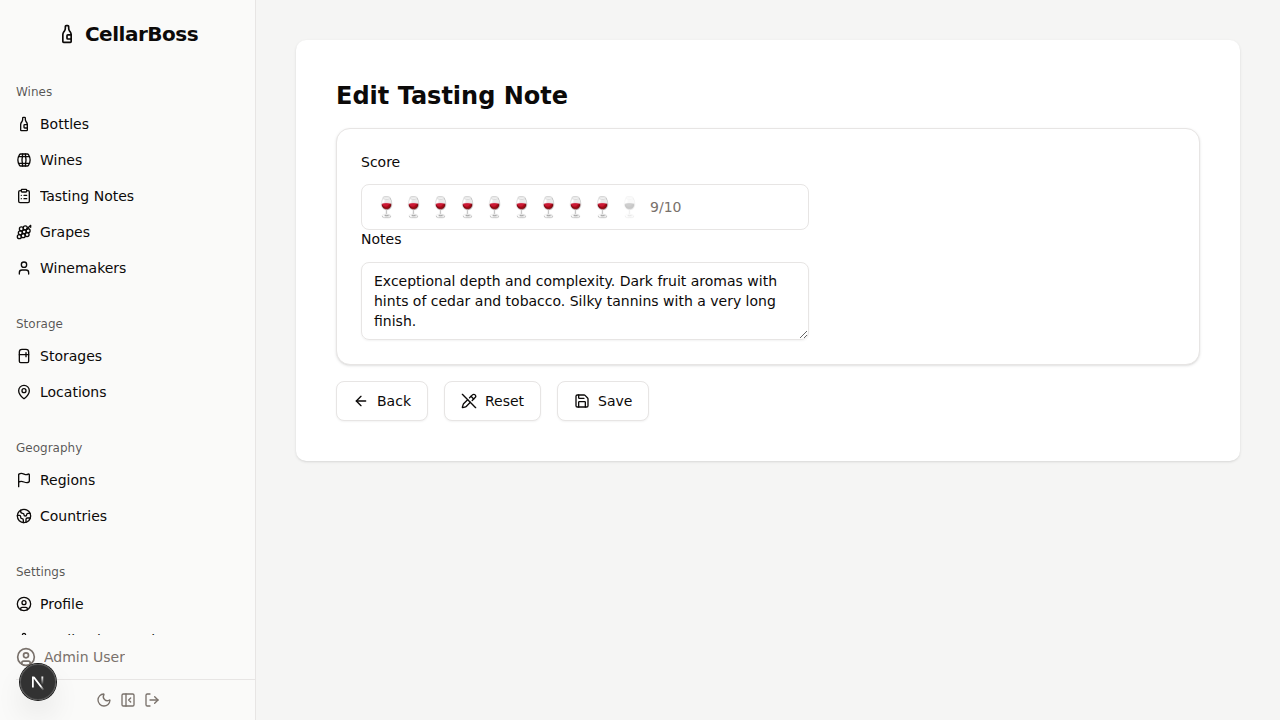
Click the Edit button on a tasting note card to modify the score or notes.
Deleting a Tasting Note
Click the Delete button on a tasting note card. You will be asked to confirm before deletion.
WARNING
Deleting a tasting note is permanent and cannot be undone.