Vintages
A vintage represents a specific year's production of a wine. Each vintage can have a drinking window (drink from / drink until) to track optimal consumption timing.
Accessing Vintages
Vintages do not have a dedicated list page. Instead, they are accessed through the wine detail page — each wine shows its associated vintages. You can also create a vintage directly from the wine detail view.
Creating a Vintage
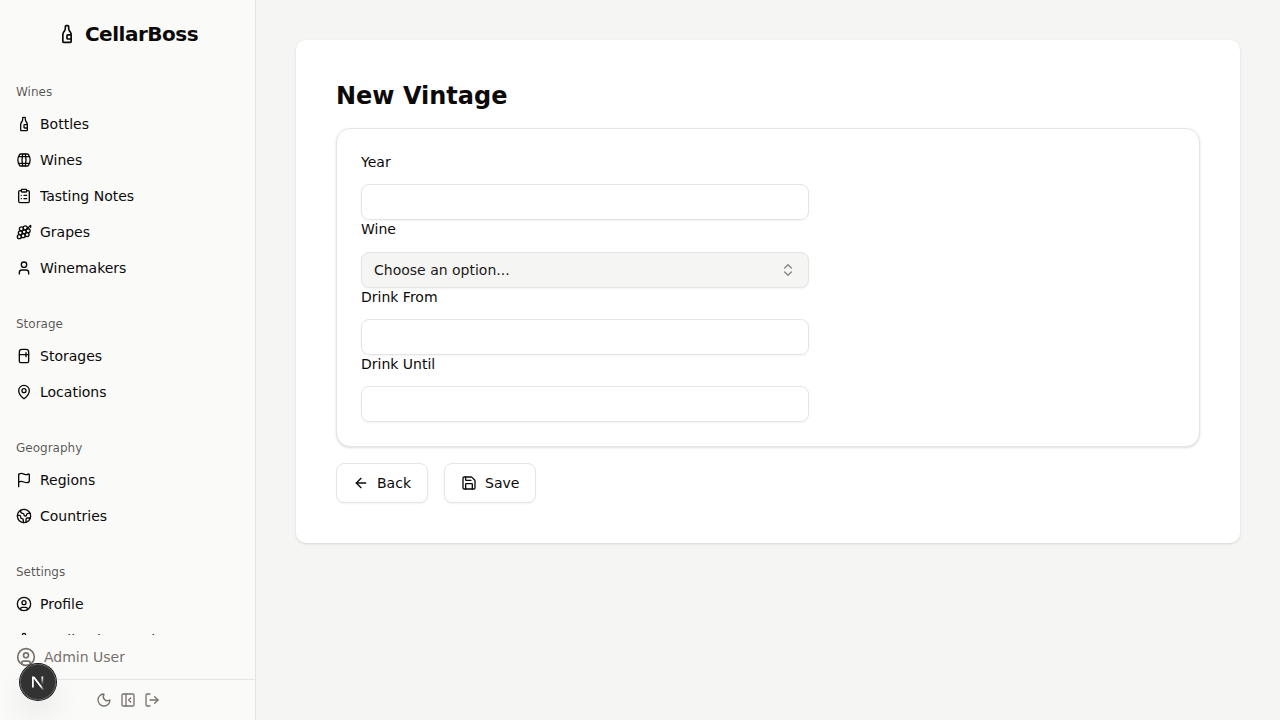
Navigate to the create vintage page, or click Create Vintage from a wine's detail view.
Fields
| Field | Required | Description |
|---|---|---|
| Wine | Yes | The wine this vintage belongs to |
| Year | Yes | The vintage year |
| Drink From | No | Earliest recommended year to drink |
| Drink Until | No | Latest recommended year to drink |
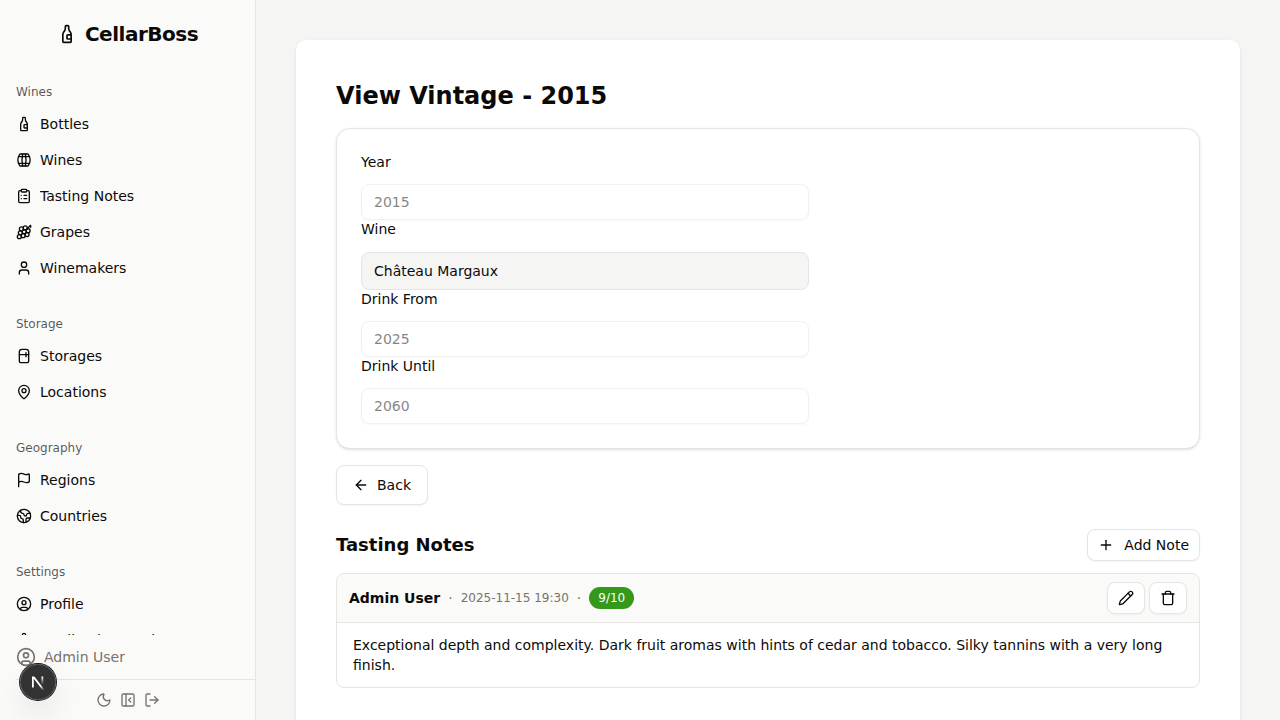
Viewing a Vintage
Click the name of the vintage to view the vintage's details.
Images
Each vintage has an image gallery, shown on the vintage detail page.
Uploading images
Click the Upload tile (the dashed cell with a plus icon) to open a file picker, or drag and drop image files directly onto it. Multiple files can be selected at once. Supported formats: JPEG, PNG, WebP, HEIC — maximum 10 MB per file.
Viewing images
Click any thumbnail to open a full-size lightbox view.
Favourite image
Each vintage can have one favourite image, shown wherever a representative image is needed (e.g. wine and vintage detail cards). To set a favourite, hover over a thumbnail and click the star icon, or use the star button in the lightbox. To remove the favourite, click the star again.
Deleting images
Hover over a thumbnail and click the trash icon, or use the Delete button in the lightbox. You will be asked to confirm before deletion.
Editing a Vintage
Click the Edit button to modify the vintage's information.
Deleting a Vintage
Click the Delete button to remove the vintage. You will be asked to confirm before deletion.
WARNING
Deleting a vintage will also remove all associated bottles and images. This action cannot be undone.