Locations
Locations represent physical places where wine is stored — such as a home cellar, off-site storage, or a restaurant. Each location can contain multiple storages.
List View
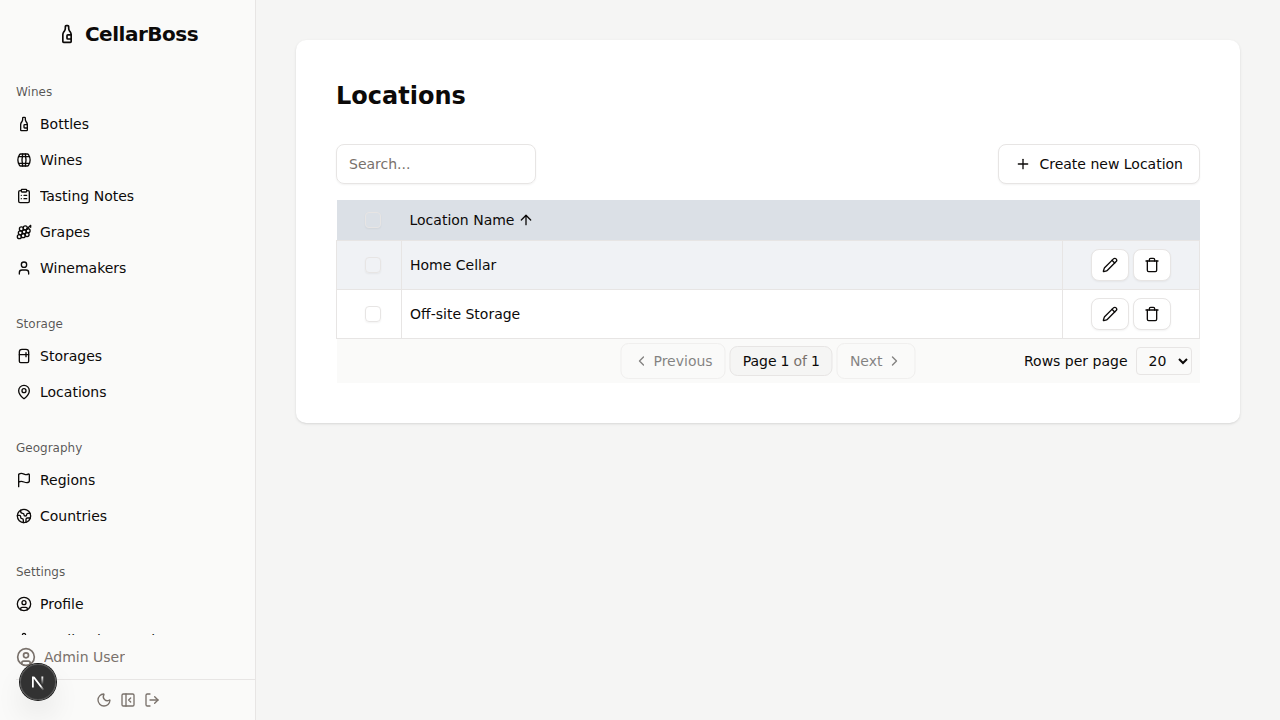
Columns
| Column | Description |
|---|---|
| Name | The location name |
| Actions | Shortcut buttons for common actions. Hover over the icon to see what each button does |
Creating a Location
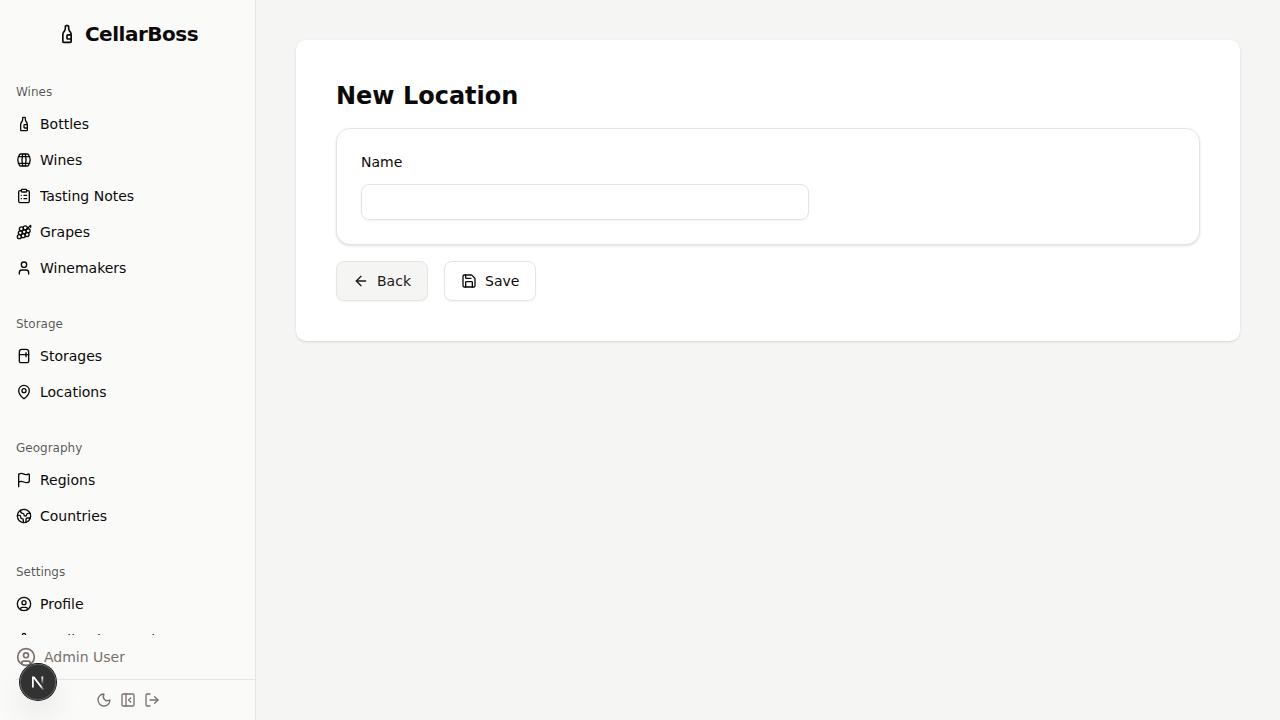
Click Create new Location to add a new location.
INFO
Location names must be unique
Fields
| Field | Required | Description |
|---|---|---|
| Name | Yes | The location name (e.g., "Home Cellar", "Off-site Storage") |
Viewing a Location
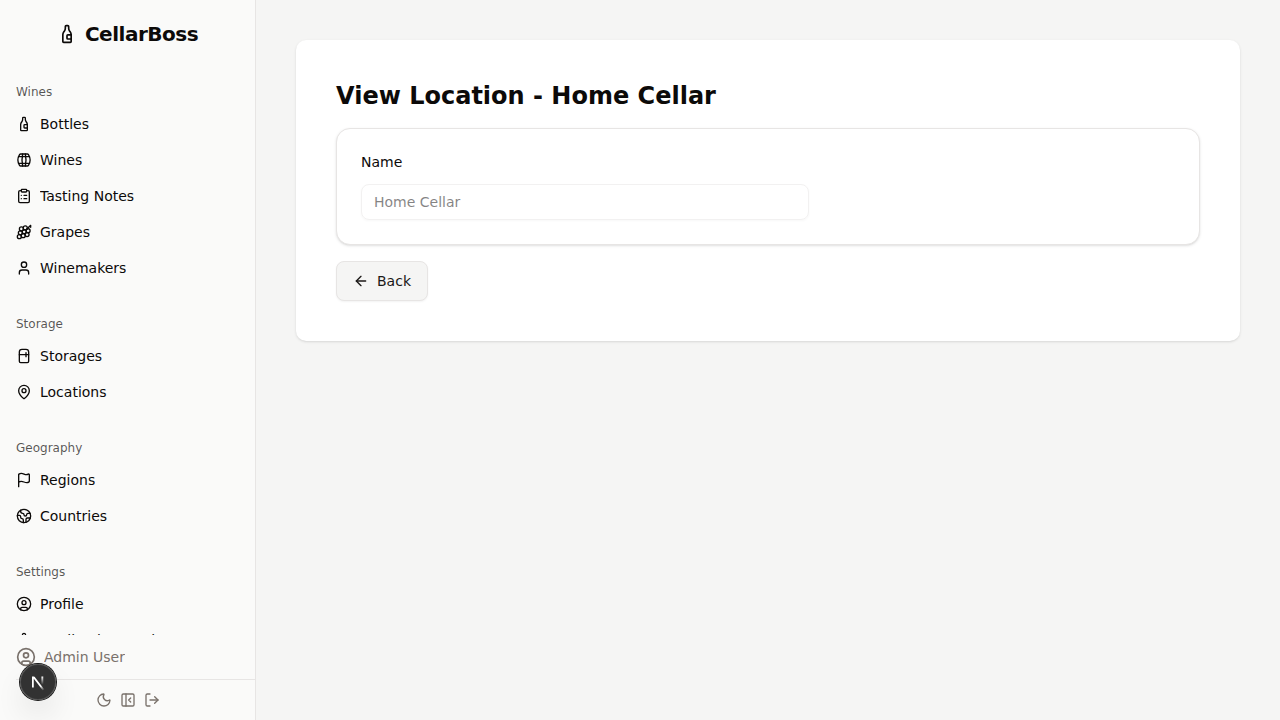
Click the name of the location to view the location's details.
Editing a Location
Click the Edit button to modify the location name.
Deleting a Location
Click the Delete button to remove the location. You will be asked to confirm before deletion.
WARNING
A location cannot be deleted if it has associated storages. Remove the storages first.