Wines
Wines are the core entity in CellarBoss. Each wine has a name, type, and is associated with a winemaker and region.
To add a wine from a shop's website, use Import from link on the list view. See Import from a Link.
List View
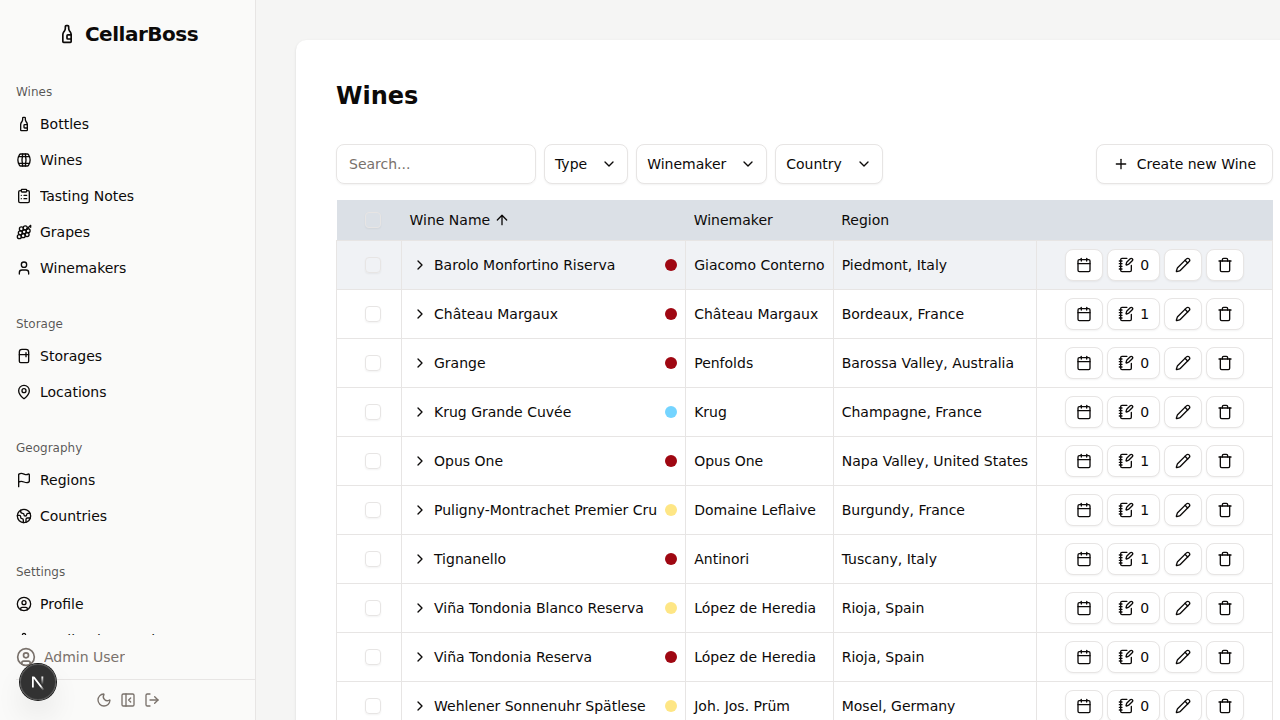
Columns
| Column | Description |
|---|---|
| Name | The wine's name |
| Type (colour indicator) | Red, white, rosé, sparkling, etc. |
| Winemaker | The producer of this wine |
| Region | The wine-growing region |
| Actions | Shortcut buttons for common actions. Hover over the icon to see what each button does |
Detail view
Click on the > (chevron) icon next to a wine name to show more details of that wine.
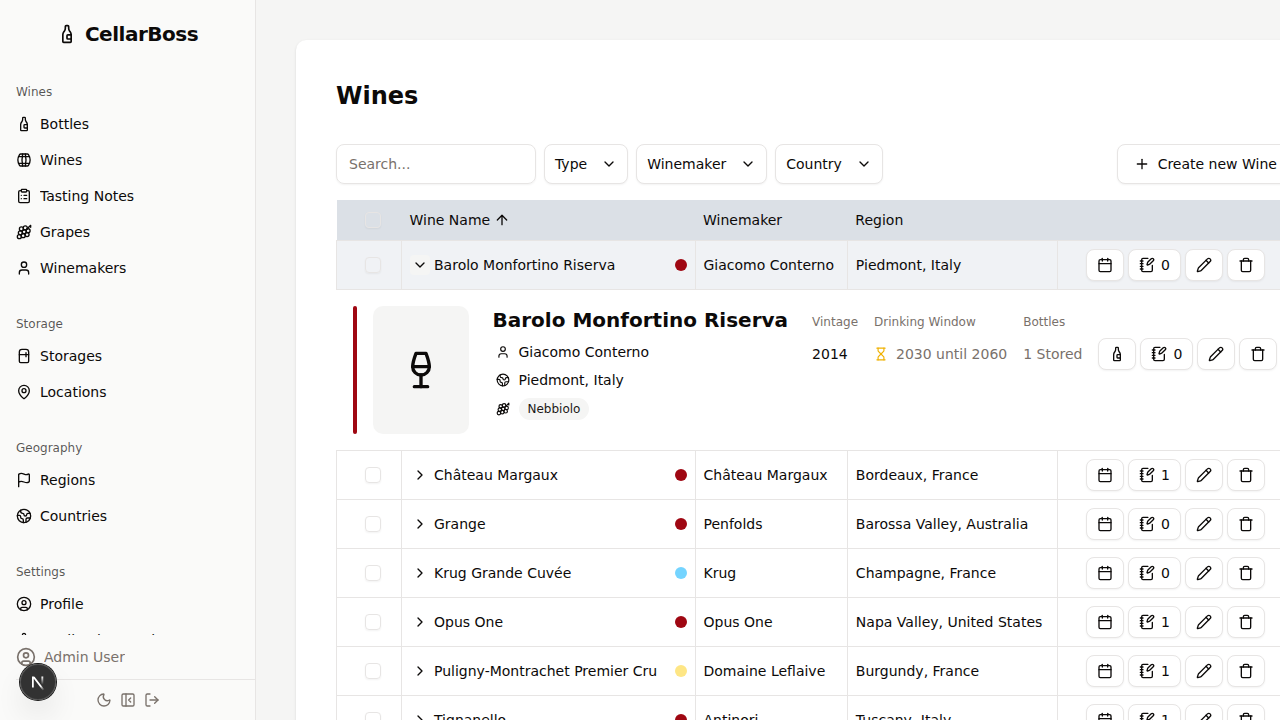
From this detail view, you can add and edit vintages associated with the wine. It also contains shortcuts to the bottles view.
Filtering
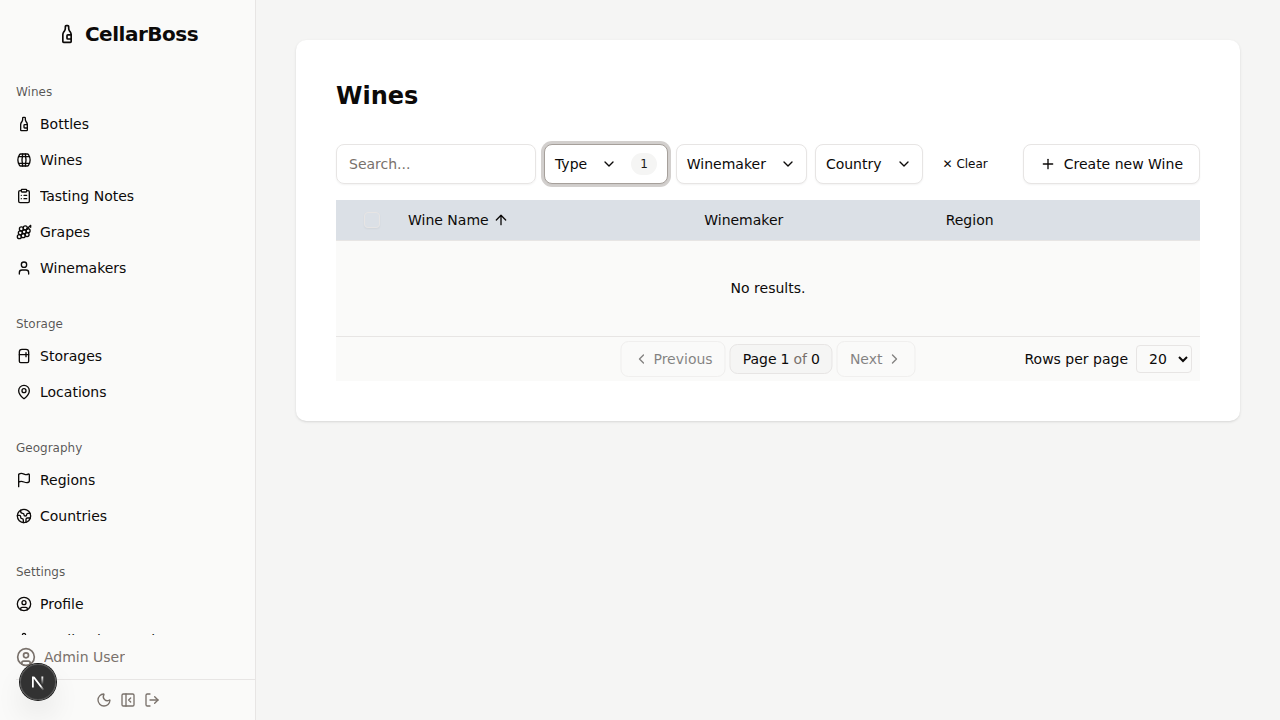
Filter wines by type, winemaker, or region using the Filters button above the table.
Creating a Wine
Click Create new Wine to add a new wine.
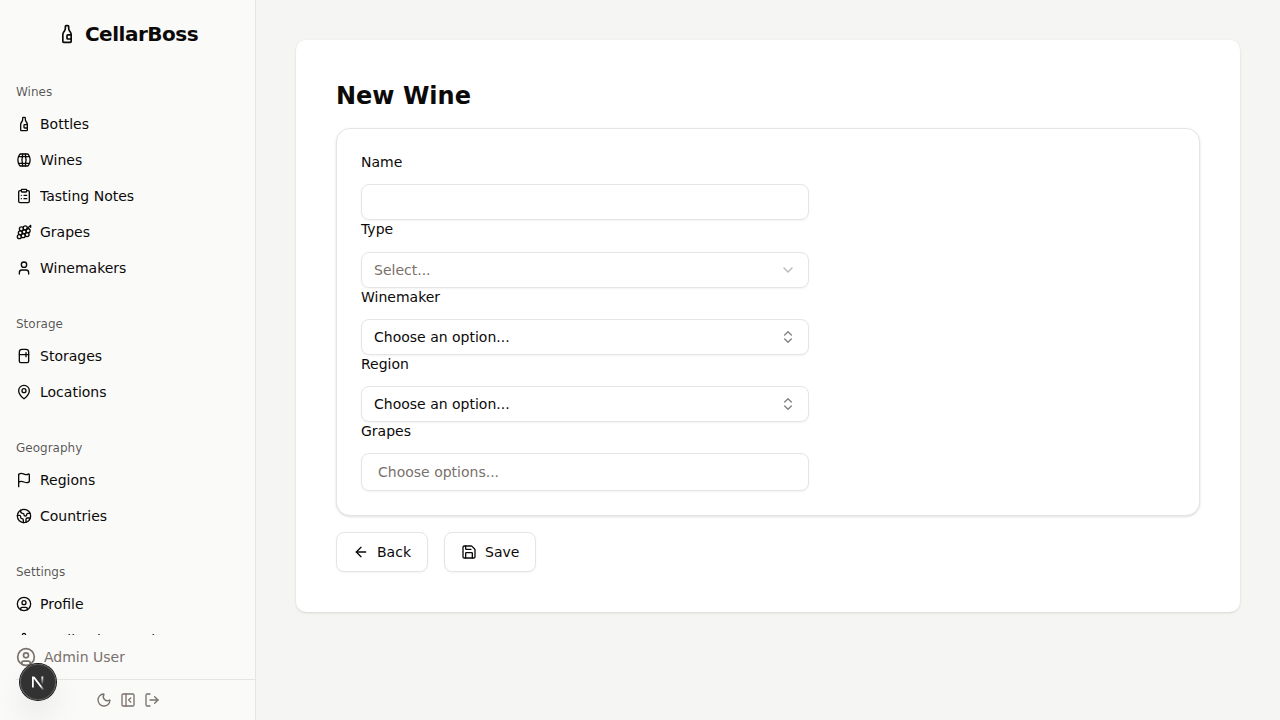
Fields
| Field | Required | Description |
|---|---|---|
| Name | Yes | The wine's name |
| Type | Yes | Wine type (red, white, rosé, sparkling, etc.) |
| Winemaker | Yes | The producer — select from existing winemakers |
| Region | Yes | The wine region — select from existing regions |
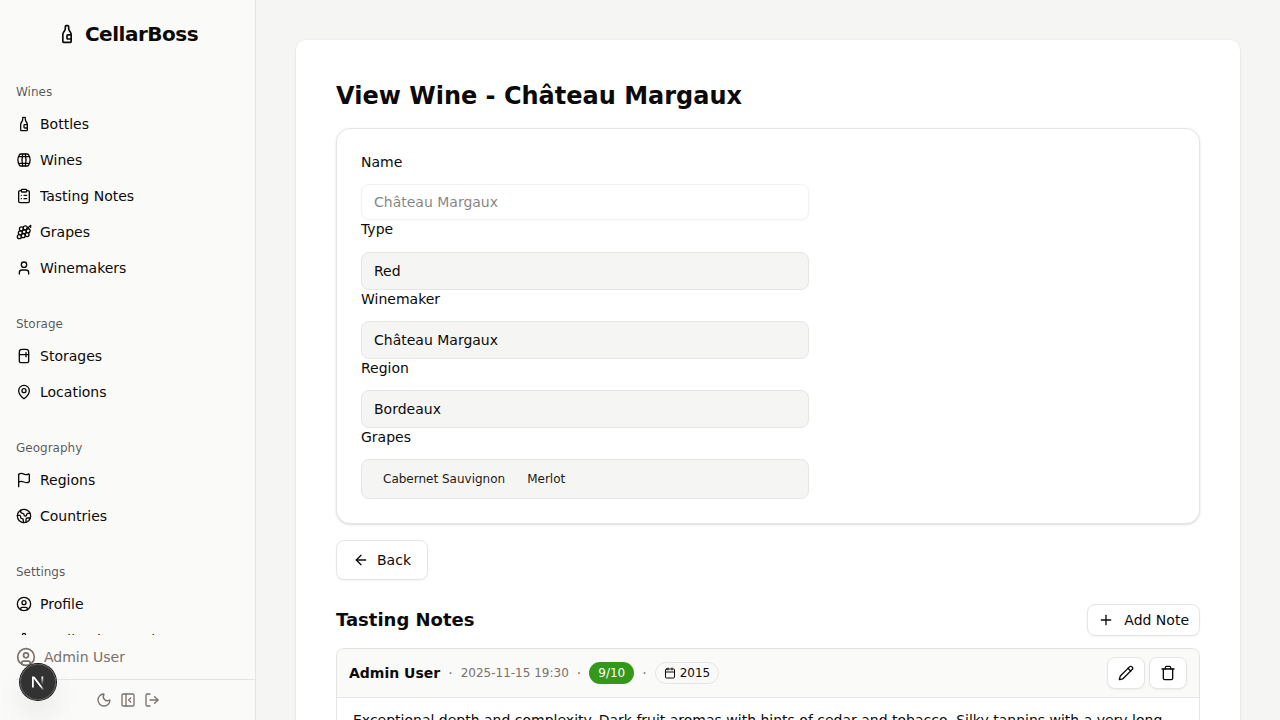
Viewing a Wine
Click the name of the wine to view the wine's details.
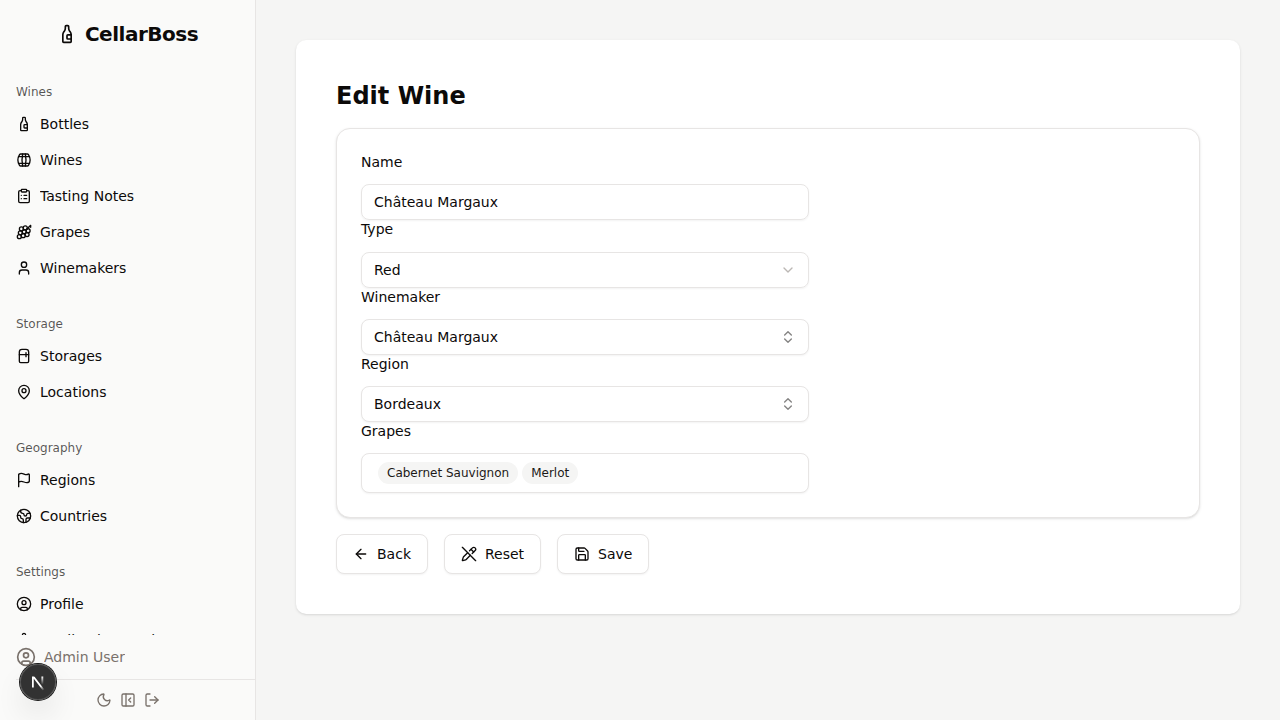
Editing a Wine
Click the Edit button to modify the wine's information.
Deleting a Wine
Click the Delete button to remove the wine. You will be asked to confirm before deletion.
WARNING
Deleting a wine will also remove all associated vintages and bottles. This action cannot be undone.