Users
The users page is available to administrators and allows managing who has access to the application.
List View
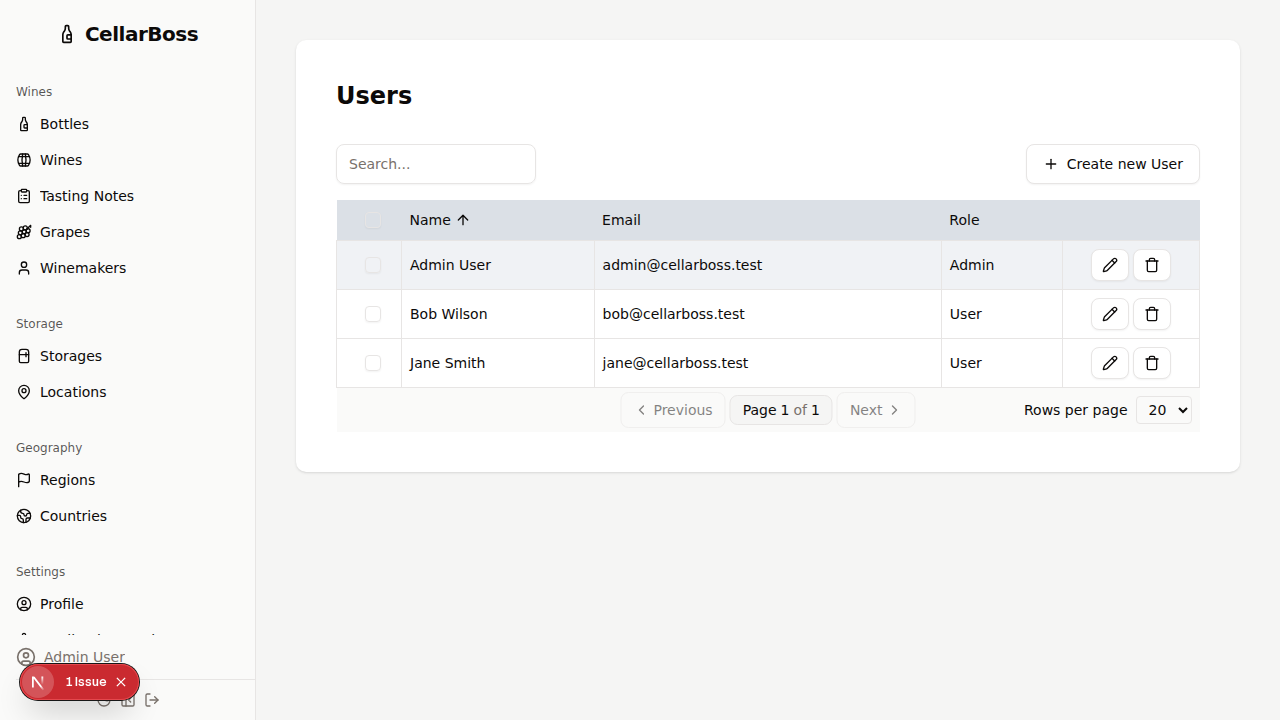
Columns
| Column | Description |
|---|---|
| Name | The user's display name |
| The user's email address | |
| Role | Admin or user |
| Actions | Shortcut buttons for common actions. Hover over the icon to see what each button does |
Creating a User
Click Create new User to add a new user account.
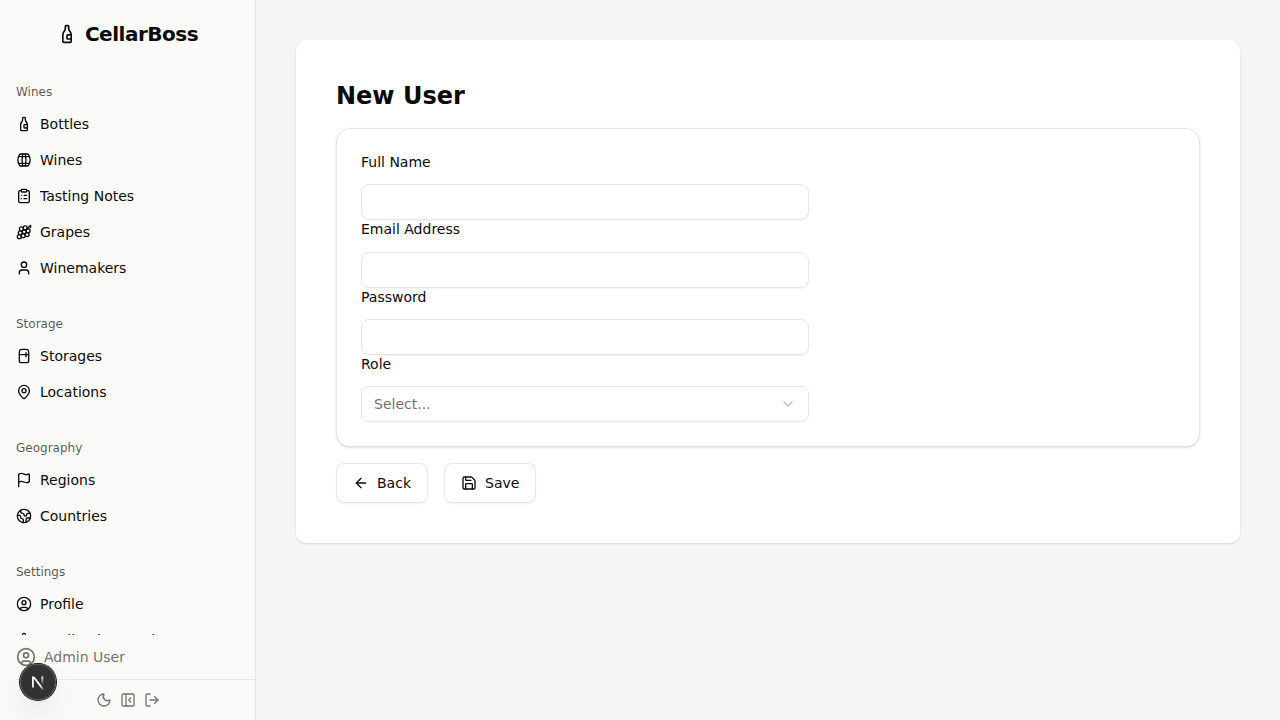
Fields
| Field | Required | Description |
|---|---|---|
| Name | Yes | The user's display name |
| Yes | The user's email address (used for login) | |
| Password | Yes | The user's password |
| Role | Yes | Admin or standard user |
Viewing a User
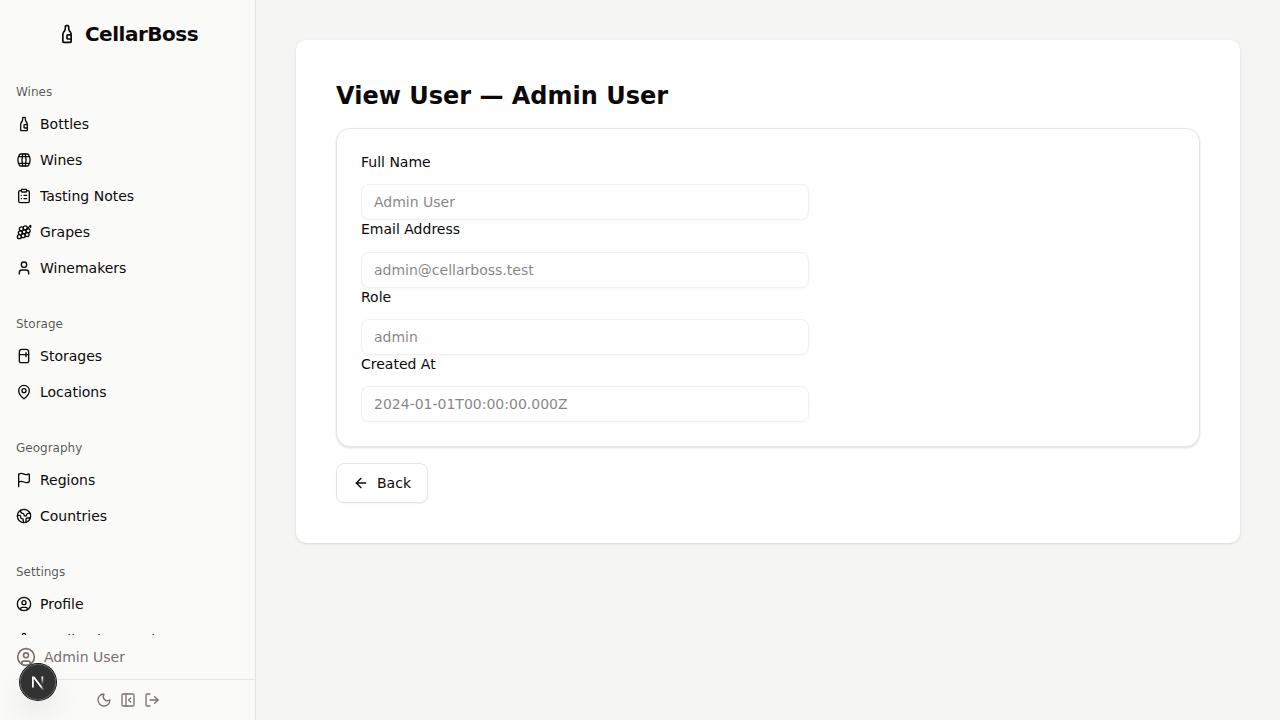
Click the name of the user to view the user's account details.
Editing a User
Click the Edit button to modify the user's information.
INFO
Only administrators can manage users. Standard users do not have access to this page.